
Installing and updating RosRunner
What you need, how to install, how to update.

Requirements#
Windows 10 or Windows 11 (64-bit). Nothing needs to be installed on your devices.
Download and install#
Not yet available to download. When it is, get it from the download page. The program is not signed yet, so Windows may warn you the first time.
Updates#
The app tells you when a new version is out: the installed edition updates in place, the portable edition takes you to the download page. A failed update never breaks the version you have.
Language and display#
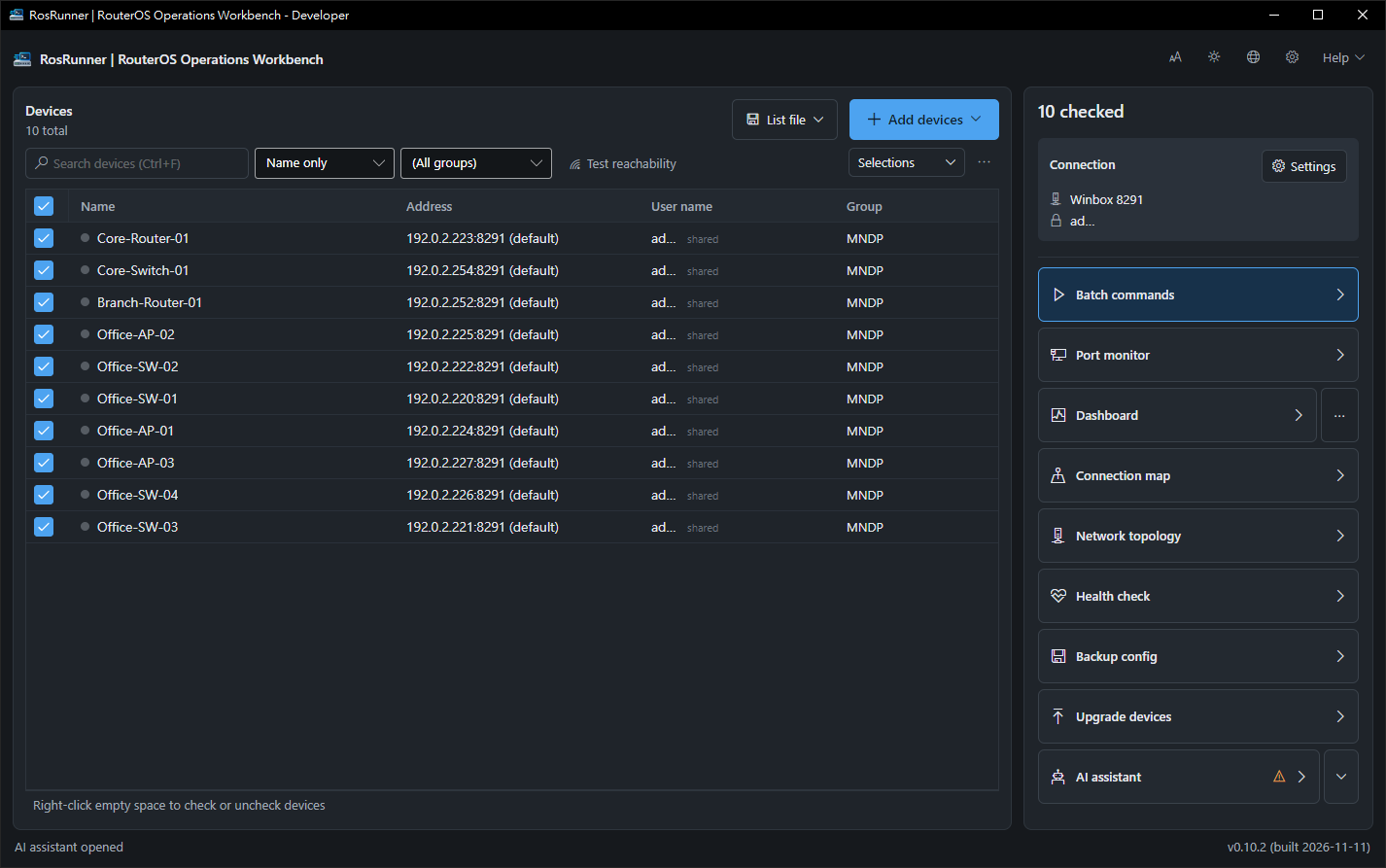
Switch language, dark theme and text size from the top right — no restart needed.