
Windows desktop software for MikroTik RouterOS
Less repetition. A clearer view of your network.
Bring batch commands, live port monitoring, network maps and health checks together in one device list. Spend less time switching between routers and more time understanding what needs attention.
RosRunner is commercial software and is not yet available to download. Everything described here is in the current build. For licensing, contact support@rosrunner.com.
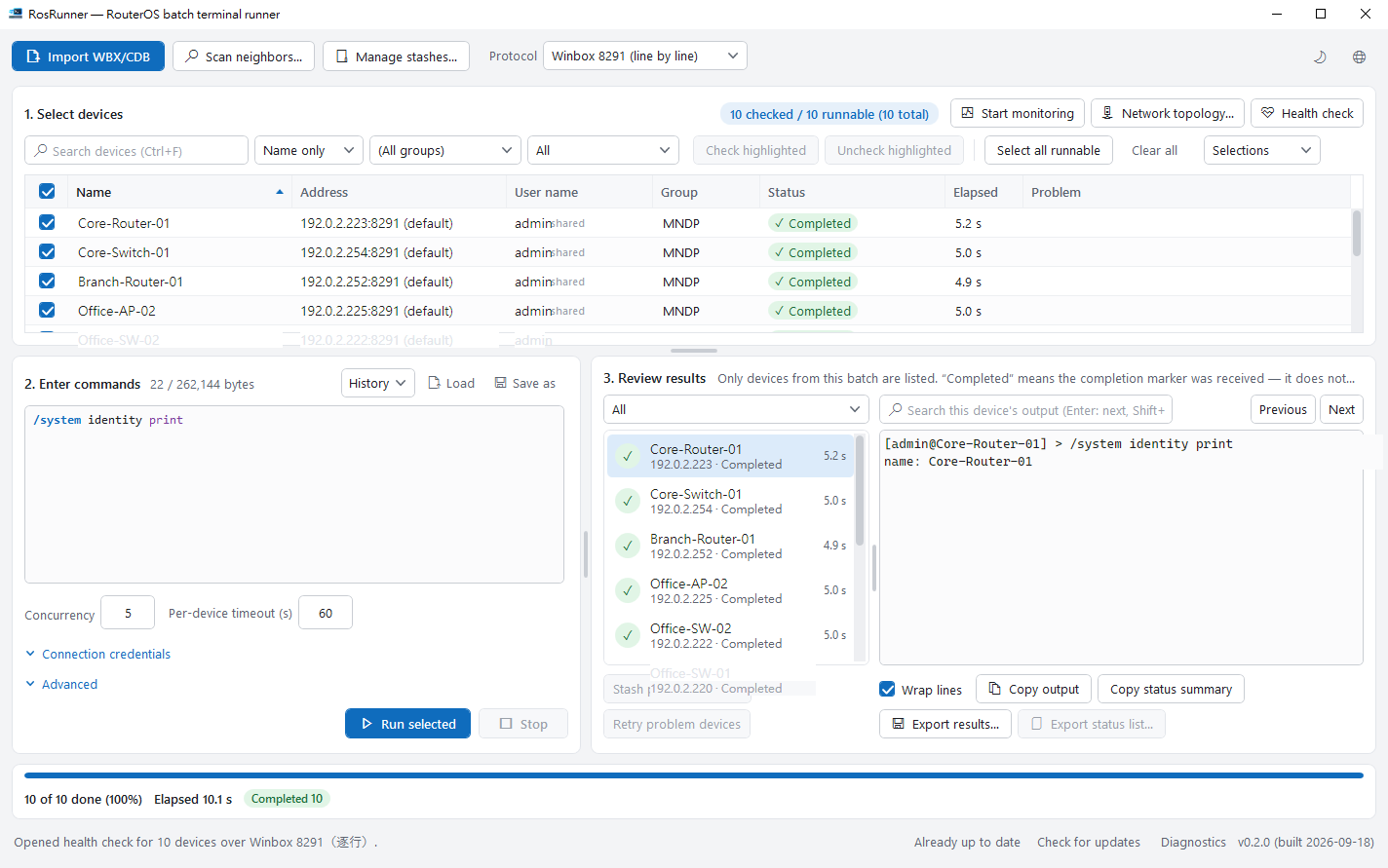
Start with your WinBox list and connection
Import your WinBox address list or discover devices on the same network segment. Save frequent selections as named groups for the next maintenance session.
WinBox 8291 is all you need for batch commands, port monitoring, topology and health checks, with nothing extra to install on your routers. API, SSH and REST are optional.
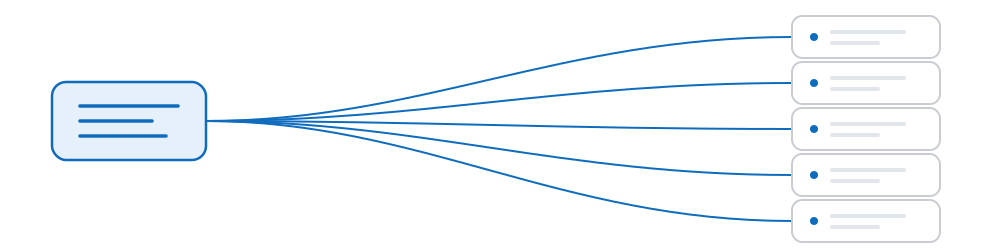
Write once. See the result for each device.
Send one set of commands to selected devices and review status, duration and output together. Confirm your targets before running and choose how many devices to handle at once.
Keep devices that need attention in a named group for follow-up. A connection lost after sending is marked uncertain, leaving the decision to rerun with you.
Completed means a completion marker was received, not that every command achieved its intended effect. Query the device to verify a change. Uncertain results are never resent automatically.
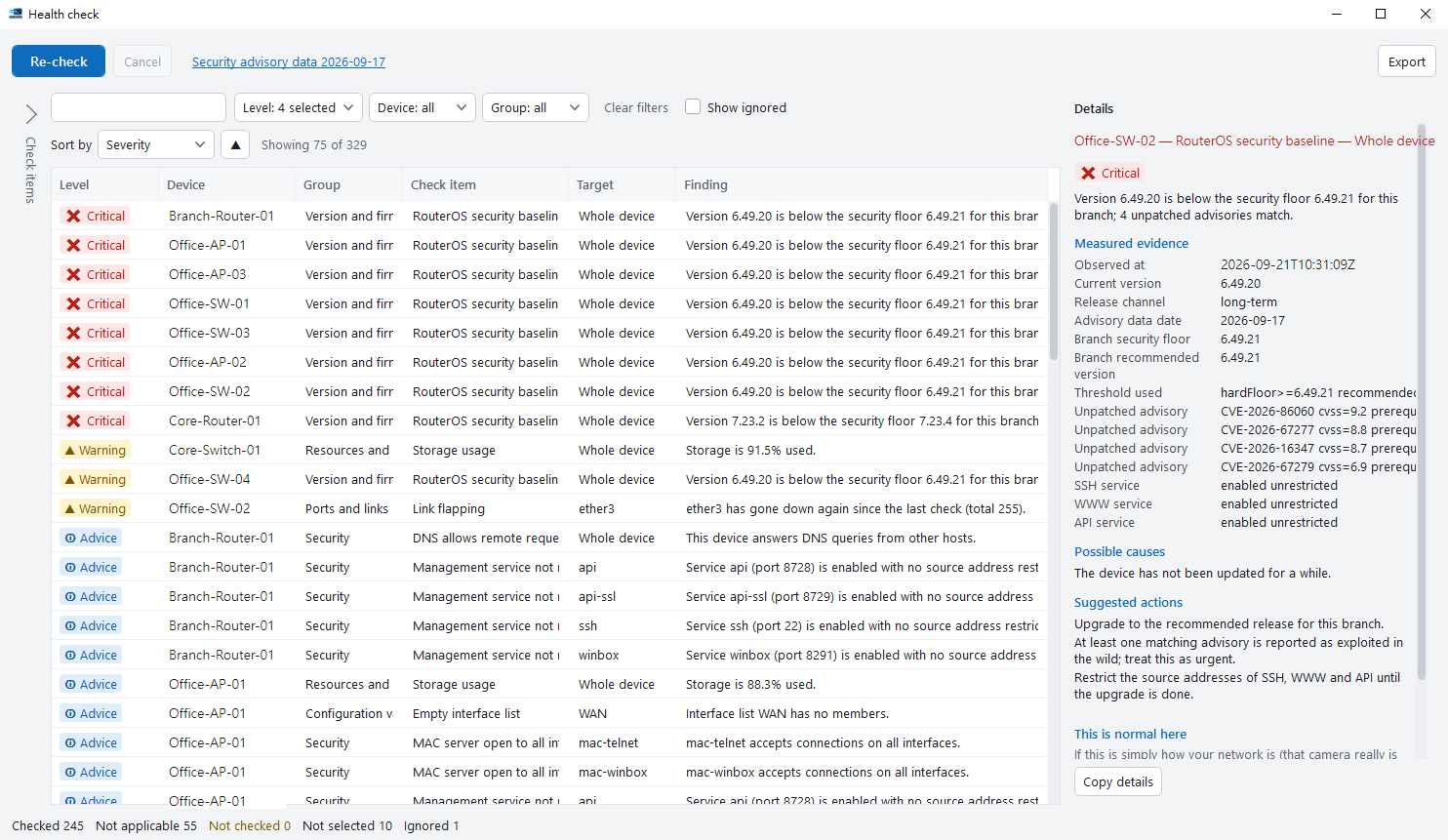
Find what needs attention first
Turn eight groups of 31 read-only checks into findings backed by evidence and practical suggestions. Move from routine inspection to a report you can share.
- Use measured values and suggestions to prioritize follow-up.
- Compare successive runs to spot changes.
- Mark expected settings per device and retain them across runs.
- Export HTML or CSV reports with optional device-identity masking.
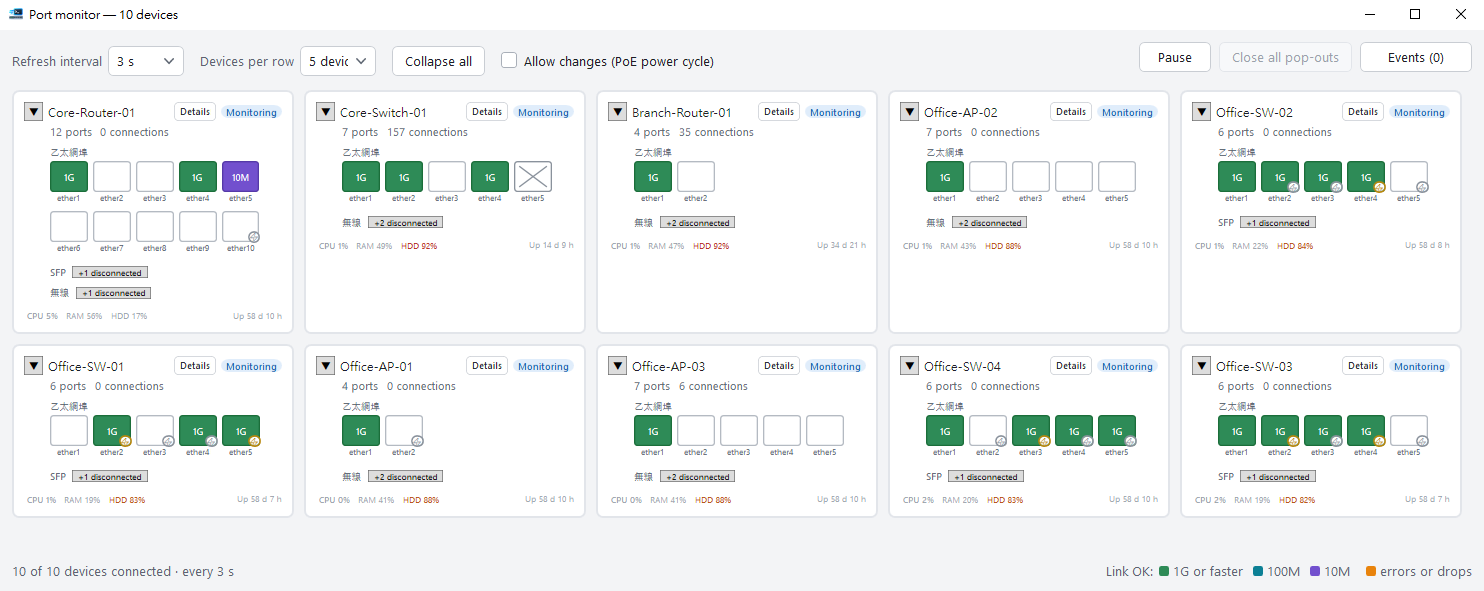
See port changes at a glance
One card per device brings link speed, traffic, CPU and memory into view. Connect over 8291, with updates every three seconds by default.
- Spot link-speed changes through color-coded ports.
- Review disconnects, reconnects and PoE changes on an event timeline.
- See the age of the last sample when a device stops responding.
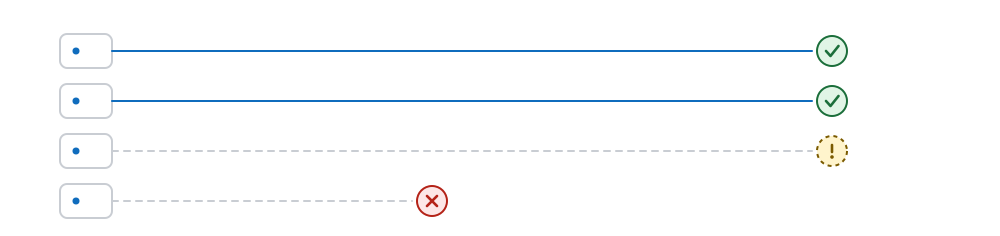
Bring device connections into one map
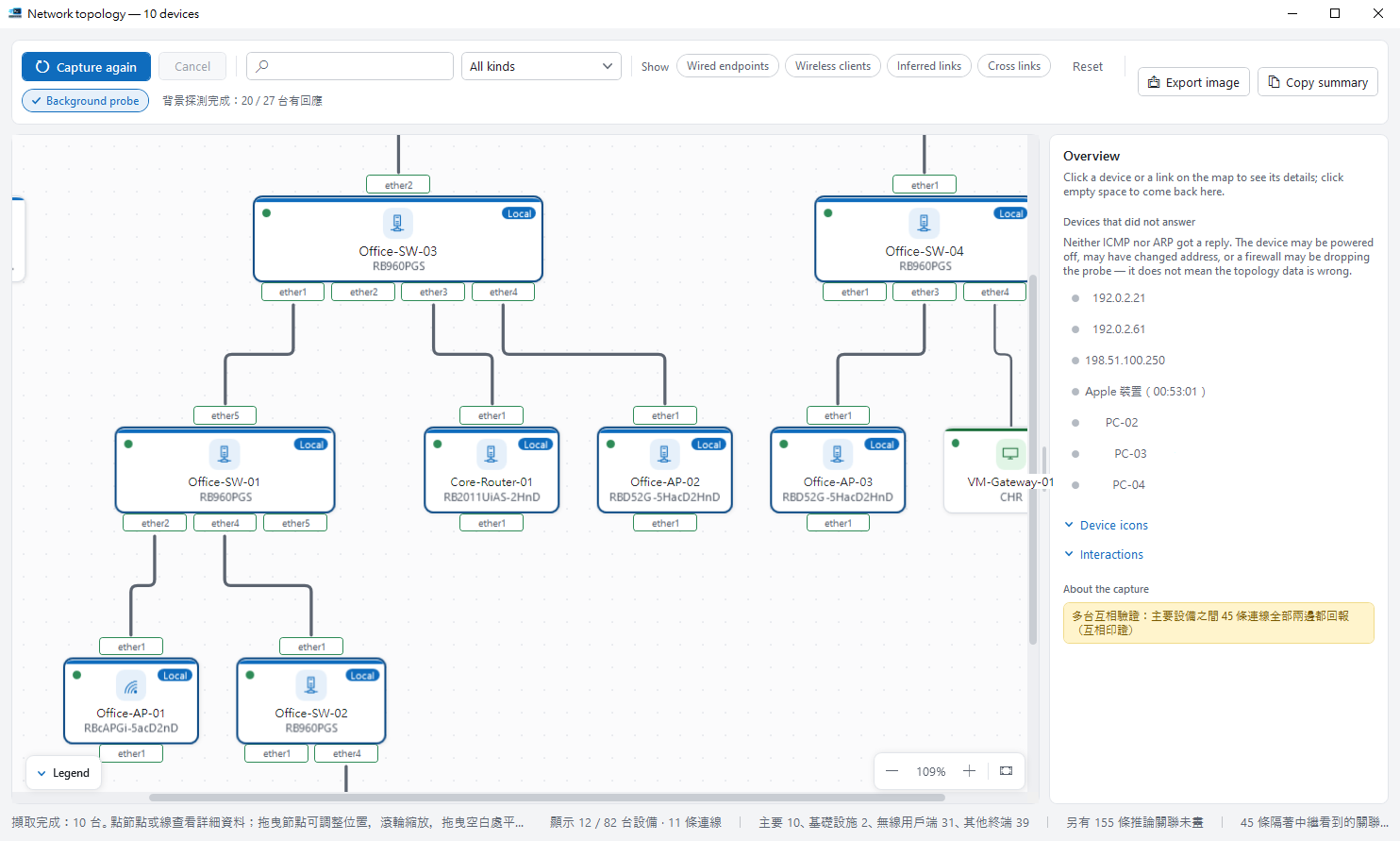
Combine connection information reported by multiple devices to explore an existing network, trace links and prepare handover notes. Coverage depends on devices, packages and permissions.
- Read-only collection preserves existing device settings.
- Merge duplicate links and inspect node and port details.
- Unidentified devices use dashed outlines, with evidence available to inspect.
- Export SVG maps for your maintenance documentation.
From routine checks to site maintenance
Inspect a single device or organize a group for batch commands. Reusable selections and per-device results keep follow-up work in one place.
Adjust concurrency to your environment; 20 is the recommended value. Limits of 100 concurrent devices and 100,000 entries are software limits, not verified throughput.
Fits the way you already work
Keep WinBox for everyday configuration and use RosRunner for work across devices, monitoring and reports.
Tested on RouterOS 6.49.x and 7.21.x / 7.23.x. Start with the default 8291 connection; other protocols are optional.
Find your next maintenance workflow
Explore the features together, or walk through your first device and command.