
How to back up device configurations
Select, start, and the backups land on your PC.

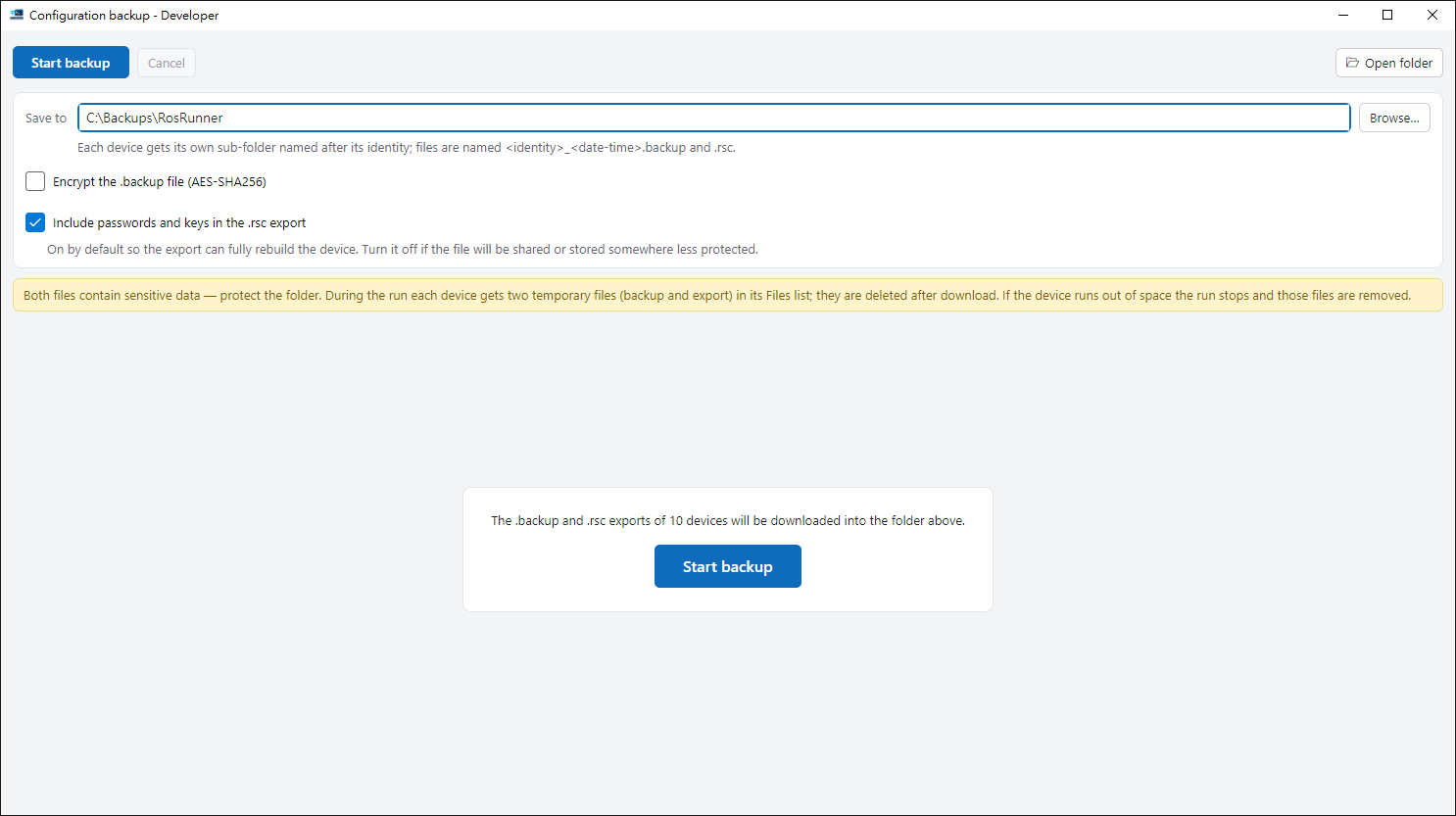
1. Open it#
Select devices and click Backup configuration. It needs the WinBox protocol (8291).
2. Choose folder and options#
Pick a folder, then decide on encryption and whether to include passwords. The encryption password is not stored — if you forget it, the backup can’t be restored.
3. Start#
Press start and watch each device’s progress. When done, every device has its own folder, and temporary files on the device are removed.
Keep them safe#
Backups may contain passwords and other secrets, so store them safely. Restore them yourself in WinBox.
Tips#
- The password for encrypting .backup files is never saved, so keep it yourself. You need it only to restore.
- Open folder at the top right opens the folder where backups are stored.