
How to use the AI assistant
Your own AI service — and you always decide what runs.

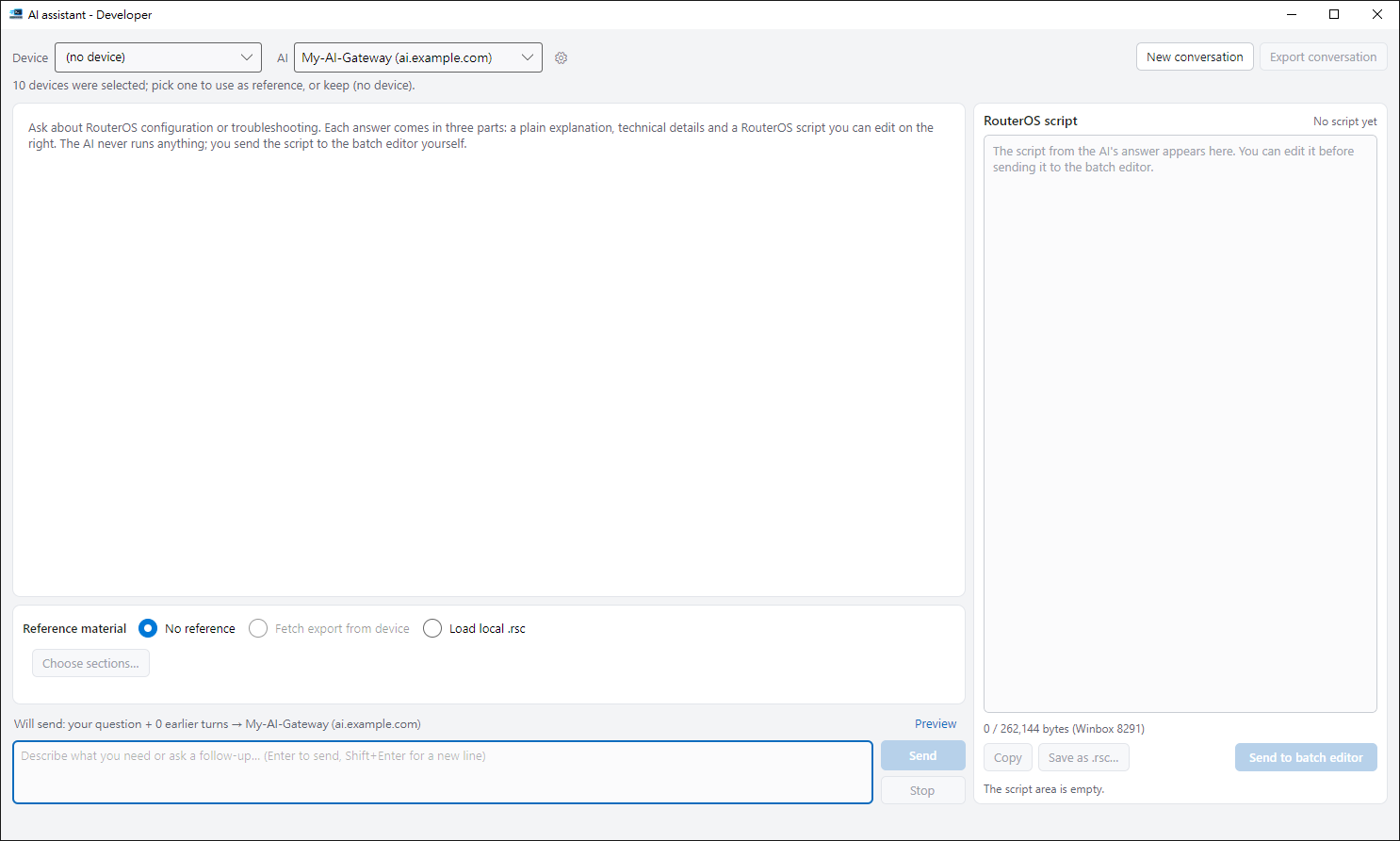
1. Set up an AI service#
Click ▾ next to AI assistant to open the connection settings and enter the service address, model and your API key. The key is kept in Windows Credential Manager.
2. Bring in a device (optional)#
Pick a device so the AI reads its configuration first. Passwords and serial numbers are hidden; addresses and names stay so answers fit. You can preview what will be sent.
3. Ask and send back#
Answers come as an explanation and a script. If it looks good, click Send to batch editor and confirm in the batch window as usual. The assistant itself never runs anything.
Note#
AI answers can be wrong. Conversations aren’t saved automatically — export them if you need them.
Tips#
- After adding a device you can choose sections and tick only the configuration you want to send. The window shows the size and estimated usage, and passwords and serial numbers are always masked.