
How to use the connection map
Read-only; addresses never leave your PC.
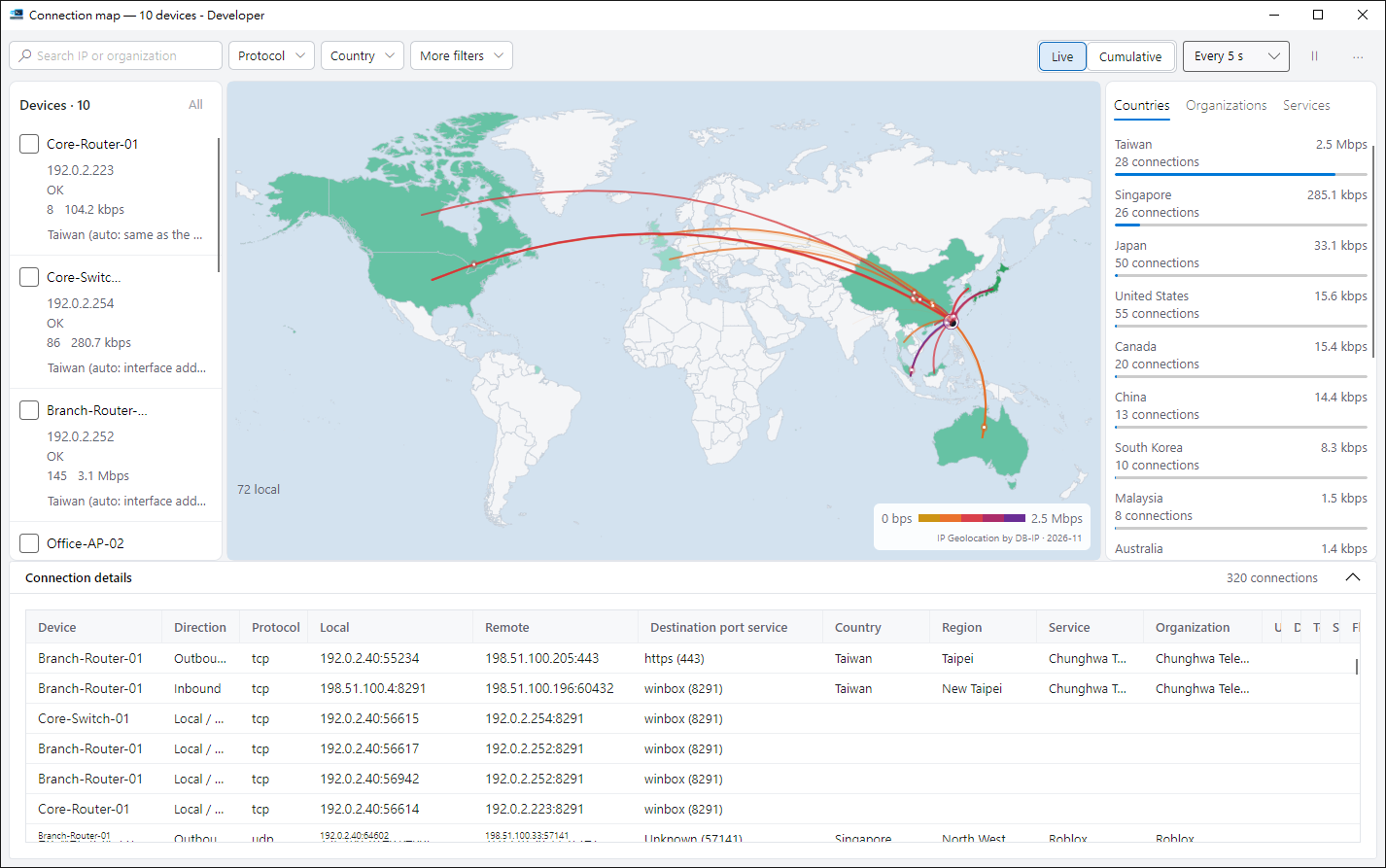
1. Open it#
Select devices and click Connection map. It needs the WinBox protocol (8291).
2. Reading the map#
Each line is one device to one country; deeper colour means more traffic. Hover a line for upload and download.
3. Filter and details#
Click a country, device or line to filter; each connection is listed below and can be exported to CSV. Exports contain real addresses — take care when sharing.
4. City layer (optional)#
Download the optional city data and zoom in to see states and regions. Everything works without it too.
Tips#
- Right-click a row in the connection details to copy the local or remote address, or filter by that remote IP, organization or port.
- Hover over a line or a country on the map to see its traffic and connection count.