
Feature
Keep port activity in view
See link speeds, traffic and PoE changes across devices in one place. An event timeline helps you trace what changed and when.

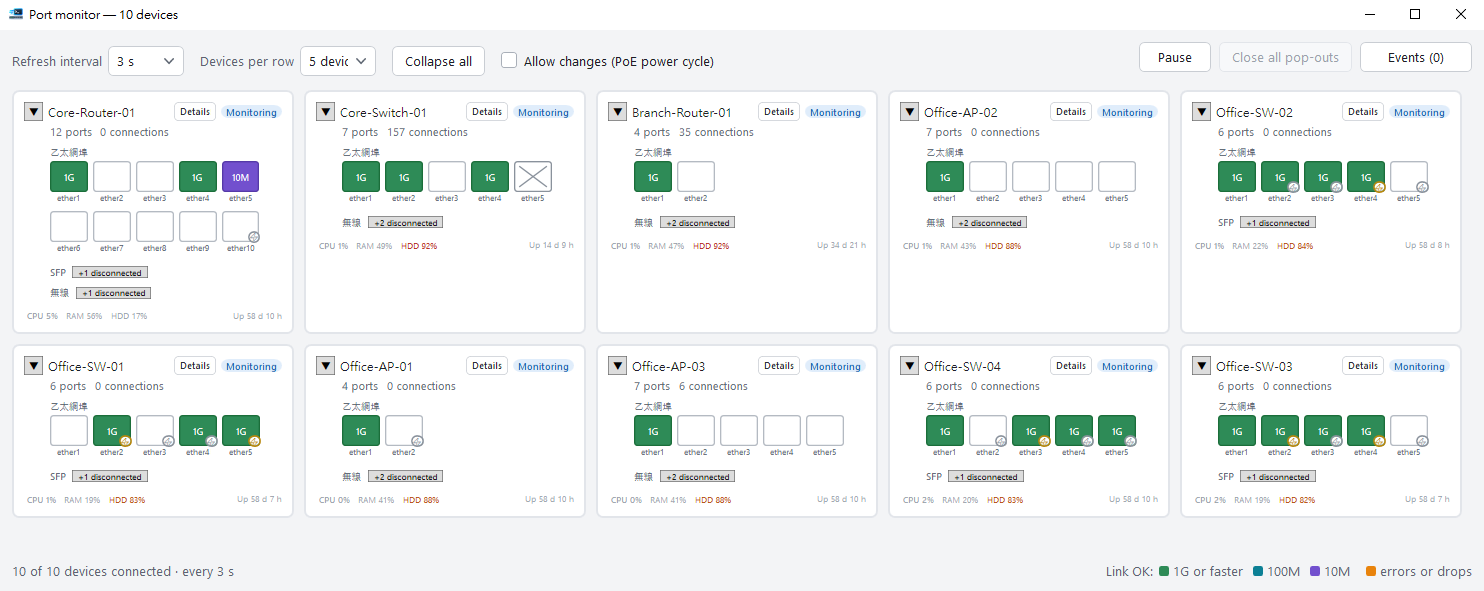
Multiple devices, every port in view
One card per device presents each port — link state, negotiated speed, current throughput and share of available bandwidth — alongside the device’s own condition. The view refreshes every three seconds by default, and the interval is configurable.
- On hardware capable of supplying power over the network cable, the power state of each port is shown alongside the rest.
- Link speed is colour-coded, so a port that has negotiated down to 100M or 10M is apparent without reading a single figure — typically the first indication of a cabling fault.
- Device-level condition appears on the same card: connection count, CPU, memory, storage and uptime.
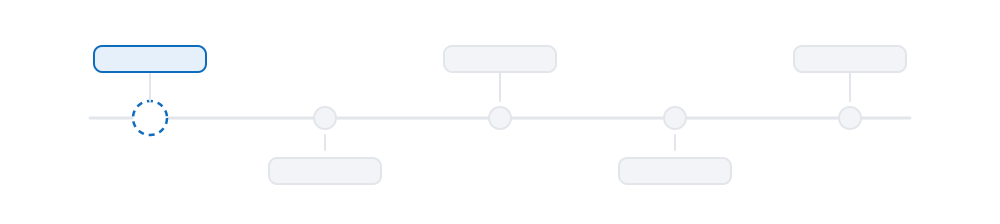
- Disconnections, reconnections, flapping links and PoE changes are recorded as events and collected into a timeline, providing a definitive answer to when a link went down.
- A device that stops responding is retried at increasing intervals and eventually set aside, so it does not delay the refresh of the others.
Stale data is identified as stale
A view that has lost contact but continues to present its last successful reading is considerably more dangerous than one that reports the loss, because decisions are then made on information that is no longer accurate.
When a device stops responding, its card reports the age of the data on screen — "12 seconds ago", and increasing — until fresh readings resume, at which point the indication clears automatically.
A device that has never returned a reading is identified as having no data, rather than displaying zero ports, which would imply the device genuinely has none.
Power cycling is disabled by default
The monitoring view is read-only with a single exception: interrupting and restoring power to a port. On hardware that supplies power over the network cable to cameras, access points and similar equipment, this amounts to restarting the attached device, and access to it is deliberately restricted — changes must be explicitly enabled, and every power cycle is confirmed individually.
Two further conditions apply: hardware capable of supplying power over the cable, and an account with write permission. Where either is absent the action is unavailable rather than failing silently after being invoked.
Next: what is on the other end
Port monitoring reports the condition of a port. The network map identifies what is connected to it.