
Feature
One set of commands. A result for every device.
Bring status queries, configuration changes and data collection together. Write once, follow each device in one view and keep follow-up work focused.
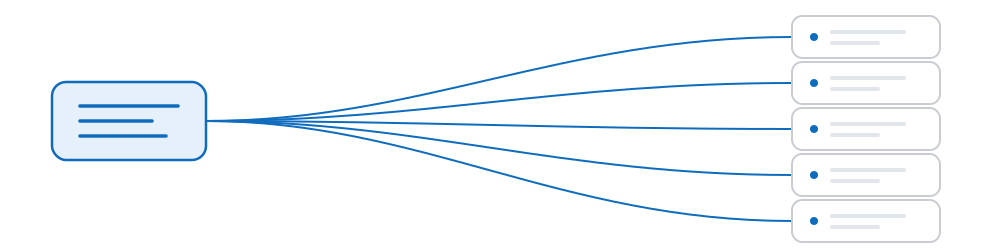
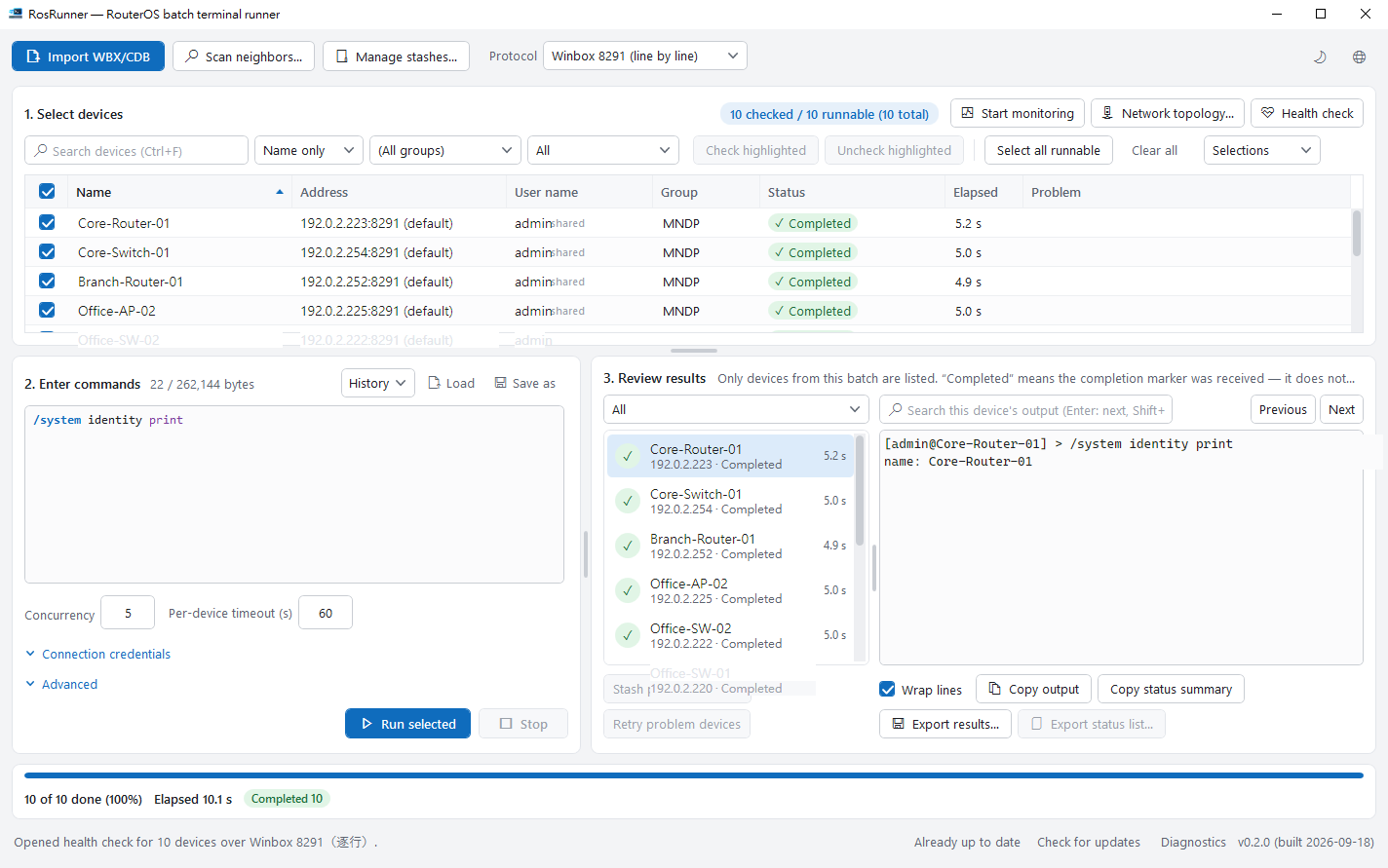
Select, compose once, review individually
Three stages share a single window, so the selected devices remain visible while the commands are composed, and the commands remain visible while the results are reviewed.
- Selection — search, filter and group the list. The header reports how many devices are selected and how many of those are currently reachable.
- Composition — a plain editor with a size counter, the commands you have run previously, and the ability to save a set to a file.
- Review — one row per device with status, elapsed time and returned output. Only devices from the current run are listed.
What happens when a run is started
-
A confirmation step first
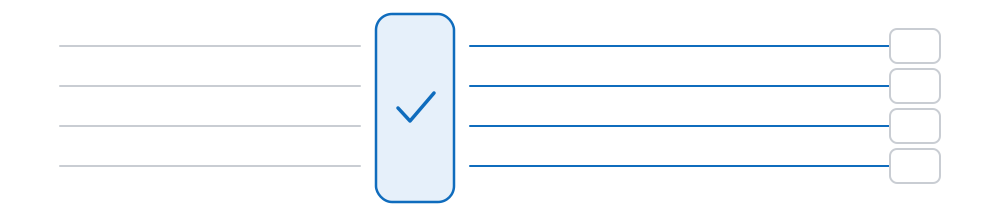
Before anything is transmitted, the application displays what is about to execute and on how many devices, and waits for confirmation. No command reaches a device on a single click.
-
Concurrent execution within your limits
Concurrency and per-device timeout are values you set. Above the recommended figure of twenty the field advises you, but the value you entered is never silently reduced.
-
Individual reporting
Status, elapsed time and output are recorded per device. A device that never responded remains on screen rather than being absorbed into a summary figure.
-
Affected devices are retained together
Devices that ran into trouble can be saved as a named group or re-run on their own, without reassembling the selection manually.
Four connection types, five options
Not every connection type provides an interactive terminal, and the maximum script size depends on how the commands are delivered. The figures below are the limits the application enforces.
| Option | RouterOS | Delivery | Maximum size |
|---|---|---|---|
| The connection WinBox uses (8291), line by line — default | 6.x / 7.x | Submitted to the terminal one line at a time; the device prompt signals completion of each line | 256 KiB |
| The connection WinBox uses (8291), single scope | 6.x / 7.x | Executed as a single unit; terminal echo is slower for long scripts | 24 KiB |
| SSH | 6.x / 7.x | Transmitted in full over SSH and executed | 60 KiB |
| API | 7.x only | Passed to the device as a string for execution | 60 KiB |
| REST | 7.x only | Submitted through the device’s web interface channel | 60 KiB |
With the line-by-line option, a variable declared with :local does not persist beyond its own line. This follows from the delivery method rather than from any restriction in RosRunner. Scripts that require their own variables should use the single-scope option.
Connectivity and credential handling
All four connection types address devices by IP address or host name. The connection WinBox uses (port 8291) additionally supports addressing by MAC address, which allows a device without a usable IP address to be reached, provided you are on the same network segment and the device permits it on that interface. API, SSH and REST always require an IP address or host name.
A password entered during a session remains in memory for the lifetime of the application. Credentials saved as a profile are held in the Windows Credential Manager — the operating system’s own credential store — rather than in a proprietary file format. A saved device group contains device entries only: not the commands issued, and not the output returned.
Files you export yourself are a separate matter. They may contain RouterOS configuration, device identifiers, or secrets present in command output. Review an export before distributing it.
Next: the operational detail
The documentation covers a first run, the meaning of each status, and the correct response when a device does not reply.